

Automatic transcription used to be a novelty. Today it's infrastructure.
If you're producing a B2B podcast and not running automatic transcription on every episode, you're leaving content on the table, show notes that don't get written, blog posts that don't get drafted, quotes that never make it to LinkedIn, and SEO value that evaporates with every unpublished word your guests said.
This guide covers how automatic transcription works in 2026, which tools actually deliver at the accuracy levels B2B production needs, and how to plug transcription into a repurposing workflow that scales.
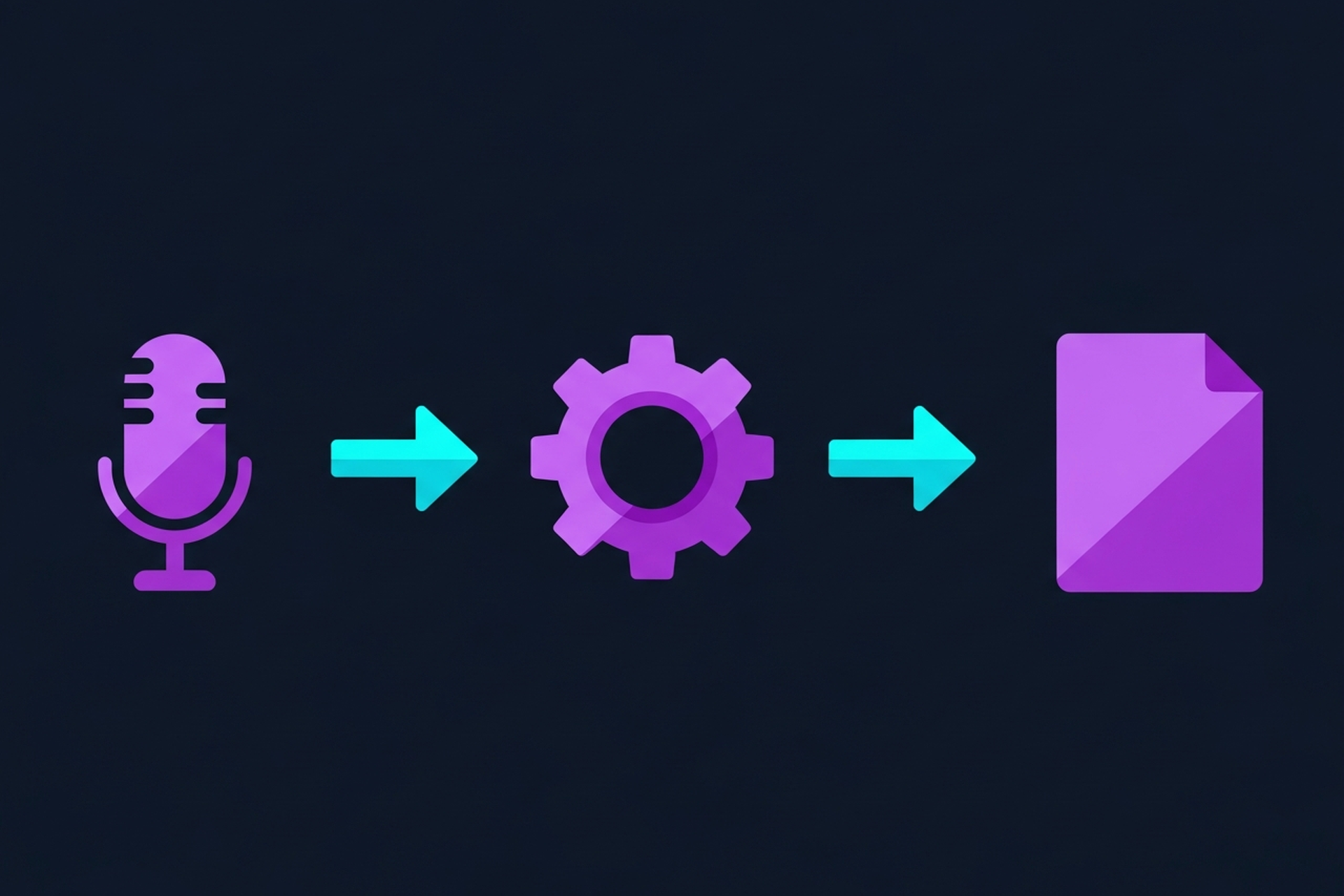
Modern automatic transcription uses large language models and acoustic processing to convert spoken audio into text. The mechanics have three phases:
1. Audio processing. The audio file is cleaned, normalized, and segmented. Background noise, overlapping voices, and recording quality all affect accuracy downstream. This is why source audio quality matters even for AI transcription, garbage in, garbage out still applies.
2. Speech recognition. The model maps phoneme patterns in the audio to text. Modern models like OpenAI's Whisper (which underpins several commercial tools) achieve 95%+ accuracy on clean, English-language interview audio. Accuracy drops on heavy accents, crosstalk, technical jargon, and low-quality recordings.
3. Speaker diarization. For interview formats, the model attempts to identify and label who is speaking at each point in the transcript. Quality varies significantly between tools, some label cleanly from the start, others produce a single undifferentiated block of text.
The practical implication: automatic transcription in 2026 is reliable enough for B2B production workflows, but not reliable enough to ship without a human review pass on anything client-facing.
Accuracy in transcription is measured as Word Error Rate (WER), the percentage of words transcribed incorrectly. Here's what the realistic numbers look like for B2B podcast content:
| Audio Condition | Typical Accuracy |
|---|---|
| Clean studio recording, native speaker | 97-99% |
| Home office recording, minimal background noise | 93-97% |
| Conference room / shared office audio | 87-93% |
| Heavy background noise or crosstalk | 75-88% |
| Strong non-native accent with technical terminology | 80-90% |
For B2B podcast production, aim for tools that hit 95%+ on clean audio. Below 93%, the editing time required to fix the transcript often exceeds the time savings from automation.
Sonix consistently benchmarks at 95-99% accuracy on clean audio and delivers transcripts in near real-time. The in-browser editor supports collaborative review, custom vocabulary for brand names and technical terms, and clean export to TXT, DOCX, and SRT.
Pricing: approximately $0.23/minute with a subscription plan. For a weekly 45-minute show, expect around $40/month at consistent volume.
Why B2B teams prefer it: the custom vocabulary feature reduces correction time significantly for shows with product names, acronyms, and industry jargon that generic models misfire on. The collaborative editor also supports team review without exporting to a third platform.
OpenAI's Whisper is open-source and can be self-hosted or accessed via API. Accuracy is comparable to Sonix on clean audio. The value proposition is flexibility: teams with engineering resources can pipe audio directly from recording to transcript to content workflow without manual steps.
The trade-off: Whisper doesn't have a polished editing interface or built-in speaker diarization. You're getting the engine, not the product. Teams without technical resources to build around it won't benefit from the lower API cost.
Descript combines automatic transcription with a transcript-based editing workflow. You edit the text; the audio follows. For B2B teams where the same person handles both editing and content production, this eliminates a tool layer.
Accuracy is competitive (95-99% on clean audio), and the repurposing features, clip creation, social snippets, show notes drafts, make Descript one of the most comprehensive tools for small B2B production teams.
Pricing starts at $24/month for meaningful volume.
Castmagic is built specifically for podcast content repurposing. Upload audio, receive transcript plus show notes, social post drafts, chapter markers, email copy, and key quote extraction in one pass.
The transcript accuracy (90-95% on typical B2B audio) is slightly lower than Sonix or Descript, but the output is broader. For teams whose primary use case is turning episodes into multi-format content assets, Castmagic's all-in-one approach saves significant workflow time.
Otter.ai excels at real-time transcription; it can join Zoom and Google Meet calls and transcribe live as the conversation happens. For B2B teams who want a transcript available immediately after recording, without waiting for post-processing, Otter.ai delivers.
Accuracy is slightly lower than Sonix for pre-recorded audio (92-96%), but the immediacy and live workflow integration make it the best option for teams that want to work with transcripts during or immediately after recording sessions.
Free tier: 600 minutes per month. Paid from $16.99/month.
The value of automatic transcription isn't the transcript itself, it's everything the transcript enables downstream. Here's how to structure the workflow:
Step 1: Record and export clean audio. The better your source audio, the higher your automatic transcription accuracy. Run audio cleanup (noise reduction, level normalization) before transcription to improve results.
Step 2: Submit to transcription tool and review. Run the episode through your transcription tool of choice. Set a 30-minute review window with your editor to fix errors, especially proper nouns, brand names, and technical terms. Don't send an unreviewed transcript anywhere.
Step 3: Build content assets from the transcript. This is where the leverage is. From a reviewed transcript, your team can:
Step 4: Archive and index. Store transcripts alongside episode files. Over time, a searchable transcript archive becomes a content asset; you can find past guest quotes, identify topic clusters, and repurpose older content without re-listening to episodes.
For a deeper look at the full repurposing workflow, see our guide on podcast transcription services, which covers both automated and human transcription options for B2B teams at different quality thresholds.
Problem: The transcript confuses guest names and product names. Fix: Use your transcription tool's custom vocabulary feature. Add all proper nouns, product names, and industry acronyms before submitting audio. This alone can reduce correction time by 30-40% for B2B shows.
Problem: Speaker labels are wrong or missing. Fix: If your tool supports speaker identification during upload, provide speaker names before processing. For tools that produce an undifferentiated transcript, manually label speakers in the review pass, it's worth the time upfront for every downstream use case.
Problem: Accuracy drops on remote recordings. Fix: Require guests to record local audio using a tool like Riverside, Zencastr, or SquadCast before the call. Remote audio captured locally is significantly cleaner than audio traveling over a video call connection, which improves transcription accuracy by 5-10 points.
Problem: The transcript is too expensive to run at scale. Fix: Benchmark your actual usage against per-minute vs. subscription pricing. Most teams on consistent weekly publishing schedules pay significantly less on subscription plans. Also consider whether every episode needs full transcription or whether a short summary clip workflow is sufficient for some content types.
For most B2B podcast use cases, automatic transcription with a human review pass is the right answer. Here's when to consider upgrading to human transcription:
Legal or compliance content. If your episodes include content that could be referenced in legal contexts, human transcription with a verbatim guarantee is worth the premium.
Heavily accented speech or technical terminology. If your guests frequently have strong accents and use highly specialized terminology that trips up AI models, human review time may exceed what a professional human transcription service would cost.
Executive communications or high-profile guest interviews. When transcript accuracy and professional presentation reflect on your brand at a high level, the additional cost of human transcription is often justified.
For B2B podcast teams at normal volume and use cases, automatic transcription with review is the standard. Human transcription is a specific upgrade, not the default.
See our full comparison of best transcription software for detailed tool-by-tool accuracy benchmarks and pricing at different volume levels. For a broader look at how transcription fits into your B2B podcast program, our podcast content strategy guide covers the full content workflow from recording to distribution. If you're also evaluating AI editing tools that integrate with transcription, see our AI podcast editor guide for a walkthrough of how transcript-based editing workflows actually function.
Automatic transcription is accurate enough for B2B production workflows in 2026. The tools are fast, the per-minute costs are predictable, and the downstream content value, show notes, clips, blog posts, social, compounds across every episode you publish.
The question isn't whether to use automatic transcription. It's whether you have a workflow built around what transcription enables, or whether you're just storing transcripts in a folder somewhere.
Want a full content repurposing workflow built around your show? Podsicle Media handles transcription, show notes, clips, and distribution as part of done-for-you B2B podcast production. Get Your Free Podcasting Plan to see what the full workflow looks like.





