
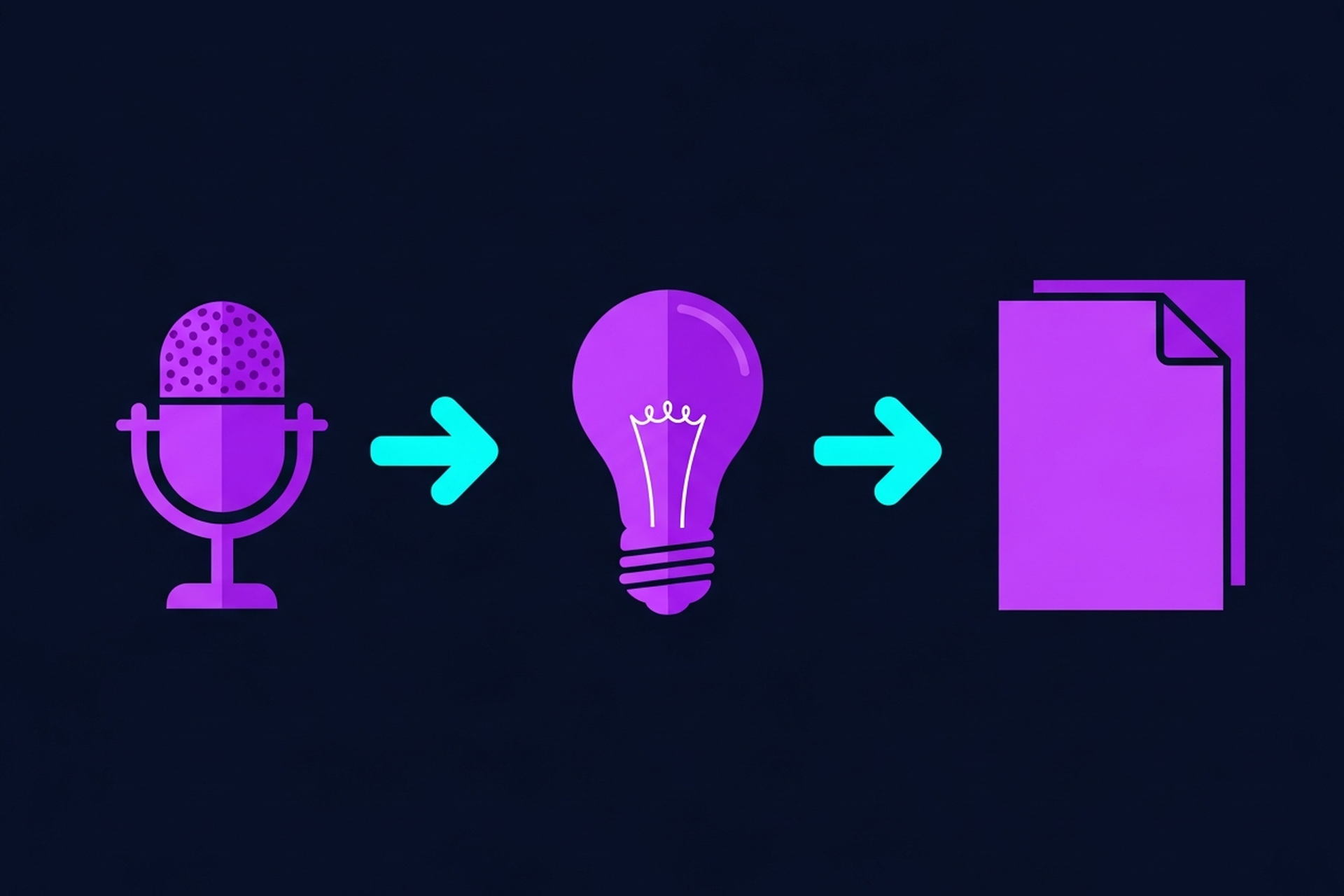

If you record interviews for your podcast, sales calls, or content strategy, transcription software is not optional. It is the bridge between a recorded conversation and every piece of content you can build from it.
But the options have exploded. AI tools are faster and cheaper than ever, human transcription services still hold the accuracy crown for complex audio, and hybrid platforms are blurring the line between the two. Picking the wrong tool costs your team time and money.
This guide covers the best software for transcribing interviews in 2026, broken down by use case so you can match the tool to your actual workflow.
A recorded interview is a goldmine. But only if you can actually use what is inside it.
Transcription unlocks:
The problem is that manual transcription is slow. Even a fast typist takes four to six hours to transcribe one hour of audio. That math does not work for any team publishing at scale.
Modern interview transcription software solves this. The best tools turn an hour of audio into a usable transcript in minutes. That changes what is possible for your content operation.
If you are thinking about how transcription fits into a broader repurposing workflow, our podcast transcript generator guide covers the downstream tools and processes that make transcripts actually useful.
Not all transcription tools deliver the same results. Before comparing specific platforms, here are the criteria that separate the good from the frustrating.
An interview has at least two voices, often with overlapping speech, crosstalk, and pauses. The best tools handle speaker diarization: they identify which speaker said what and label each segment correctly. Without this, you get a wall of text that is painful to edit.
Look for tools that let you label speakers by name after the fact and that update all attributed lines automatically.
Generic AI models struggle with acronyms, product names, and B2B terminology. If your guests talk about their CRM stack or drop their company's proprietary product names, a consumer-grade tool is going to mangle them.
Some platforms let you add a custom vocabulary or glossary. This is a meaningful differentiator if your content is technical.
Weekly publishing schedules do not have room for 24-hour turnaround. Most AI transcription tools now deliver results in minutes. Anything slower is not worth considering unless you specifically need human review for accuracy-critical content.
You need to get the transcript out of the tool and into your workflow. Minimum requirements: plain text, DOCX, and SRT/VTT for captions. Nice to have: direct integration with Google Docs, Notion, or your CMS.
Raw AI transcripts always have errors. Your tool should make it easy to correct mistakes inline, search and replace repeated errors, and share the finished document with your team.
Best for: Podcast teams that edit and transcribe in one place
Descript is the most powerful tool on this list for podcast production teams. It treats your transcript as the edit: change the text, and the audio changes with it. That is genuinely useful when you are trimming an interview and want to remove a rambling section without hunting through a waveform.
Key strengths:
Where it falls short: it is overkill if you only want raw text output, and the learning curve is real for new users.
Pricing starts at $12/month for the Hobbyist plan.
Best for: Teams doing remote calls in Zoom, Google Meet, or Teams
Otter.ai integrates directly with the major video conferencing platforms. It joins calls automatically and produces a live transcript as the conversation happens. For teams running regular remote interviews, that means no extra steps.
Key strengths:
Where it falls short: accuracy drops noticeably with strong accents or fast talkers, and the free tier caps monthly minutes.
Paid plans start at $10/month per user.
Best for: Remote video interviews with repurposing built in
Riverside records local audio and video from each participant at high quality, then transcribes the finished recording automatically. The key advantage is that you get studio-quality source material and a transcript in the same platform.
Key strengths:
Where it falls short: it is a recording platform first, not a transcription tool. If you are uploading existing audio files, there are better options.
Pricing starts at $15/month.
Best for: Teams that need the highest possible accuracy
Rev offers both AI and human transcription. The AI tier is fast and priced per minute. The human tier is slower and more expensive, but the accuracy is in a different league, especially for technical content, heavy accents, or poor-quality audio.
Key strengths:
Where it falls short: human transcription costs $1.50/minute and has turnaround time measured in hours, not minutes. AI pricing is $0.25/minute.
For high-stakes content where accuracy is non-negotiable, Rev's human service is worth the premium. For everything else, the AI tier is competitive.
Best for: Technical teams who want open-source, local transcription
OpenAI's Whisper model is free, open-source, and surprisingly accurate. Teams with a developer on staff can run it locally or via API without any per-minute fees. It handles multiple languages well and performs strongly on clean audio.
Key strengths:
Where it falls short: there is no built-in editing UI, no speaker diarization out of the box, and setting it up requires technical knowledge. It is not a SaaS product.
For teams with the technical chops, Whisper is hard to beat on cost. For everyone else, a SaaS option is the faster path.
Best for: B2B teams that need transcription tied to CRM and sales workflows
Fireflies is built for sales and account management teams. It auto-joins your calendar meetings, records and transcribes, then pushes notes and action items into your CRM. Podcast teams using recorded conversations for thought leadership content will find it useful, but it shines brightest in a sales context.
Key strengths:
Where it falls short: it is built for internal meetings more than polished podcast episodes, and it is less useful for uploading pre-recorded audio files.
Paid plans start at $10/month.
Here is a fast framework to match tools to your situation.
You record remote interviews and want transcription included: Use Riverside. It handles both and produces cleaner audio than any standalone transcription tool.
You edit your own podcast and want editing and transcription in one place: Use Descript. The text-based editing workflow is worth the learning curve.
Your team runs recurring calls and interviews in Zoom or Meet: Use Otter.ai. The live transcription and platform integration make it seamless.
You have a high-stakes piece that needs near-perfect accuracy: Use Rev's human service for that specific project, even if you use AI tools for everything else.
Your team has a developer and wants zero ongoing cost: Run Whisper locally. It is free and the accuracy is genuinely competitive.
Your workflow is tied to sales and CRM: Fireflies is the right tool because it is built for that exact use case.
The best software for transcribing interviews is the one that fits your workflow and keeps your team moving fast. But a transcript is only as valuable as what you do with it.
Most B2B teams that transcribe their interviews stop there. The transcript sits in a folder. No one builds the blog post. No one pulls the LinkedIn quotes. The content value stays locked up.
The teams that win are the ones with a system for turning transcripts into output. That means a clear process for podcast show notes and transcript generation, a repurposing workflow that assigns accountability, and production support to execute consistently.
That is exactly what Podsicle Media is built to do. We handle transcription, show notes, editing, and repurposing so your team can focus on having great conversations, not managing the content machine afterward.
Schedule a call with Podsicle Media and let us show you what a fully managed podcast production workflow looks like.





